Walkthrough Video 1
$159
Up to 2,000 sq. ft.
2-minute video
Drone fly-up and fly-away included
60-minute shoot
 USHPSREAL ESTATE PHOTOGRAPHY
Houston property services · Walkthrough Video
Introduce your listing with movement, flow, and a sense of how the spaces connect. USHPS walkthrough video gives agents and sellers another way to present a property alongside their listing photographs. Choose Video 1 for $159, Video 2 for $179, or Video 3 for $219 based on property size. Every option includes a drone fly-up and fly-away and a 60-minute shoot.
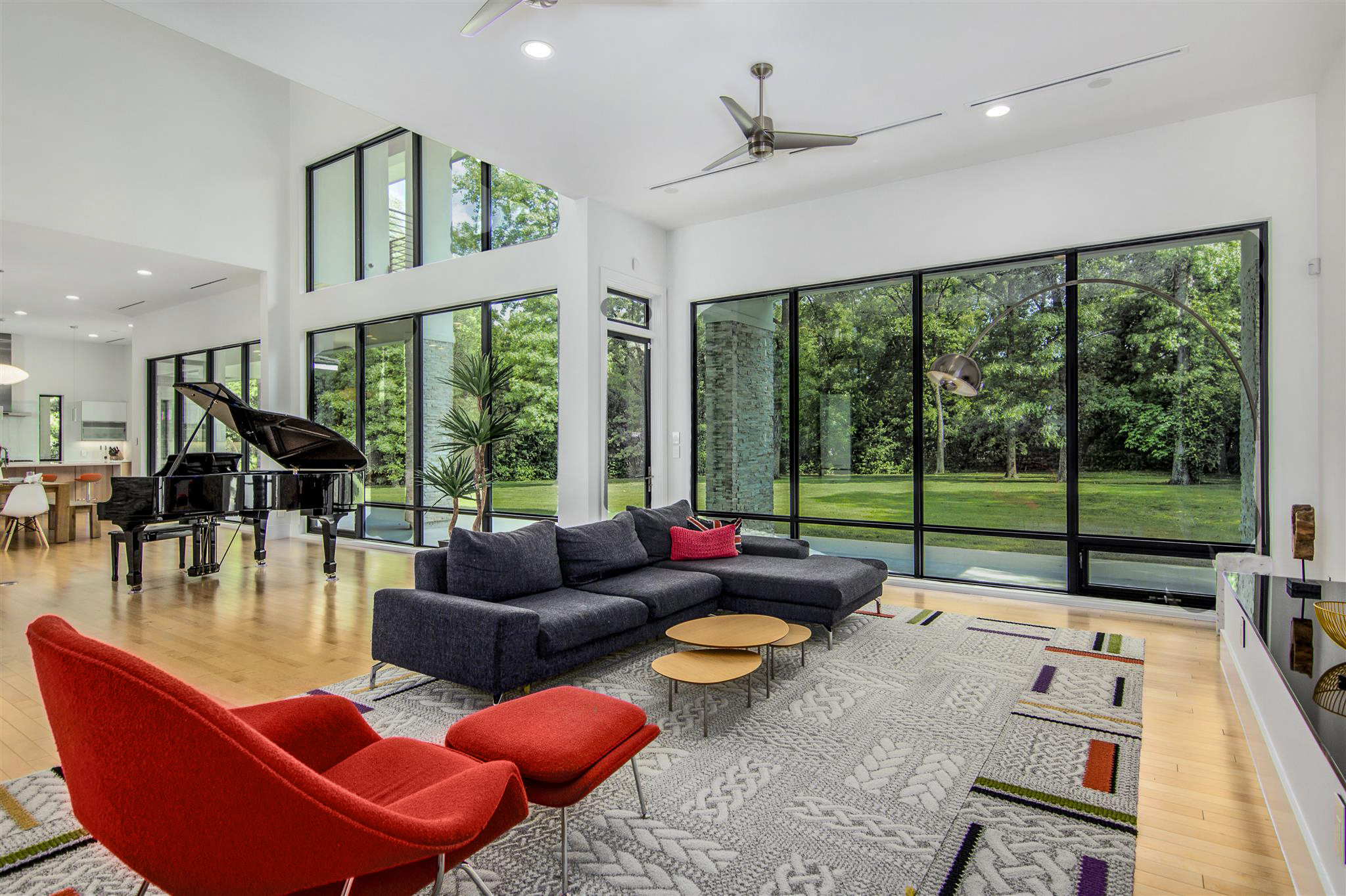
Choose your coverage
$159
Up to 2,000 sq. ft.
2-minute video
Drone fly-up and fly-away included
60-minute shoot
$179
Up to 4,000 sq. ft.
2-minute video
Drone fly-up and fly-away included
60-minute shoot
$219
Over 4,000 sq. ft.
3-minute video
Drone fly-up and fly-away included
60-minute shoot
Confirm the property details, requested scope, and appointment availability before completing your order.
Still photographs let buyers study individual rooms. A walkthrough video adds another layer by introducing the relationship between those spaces. The transition from an entrance into a living area, the connection between a kitchen and dining room, or the movement toward a patio can help someone build a clearer picture of the home.
Use the video as part of a coordinated listing presentation. Photos provide views people can revisit at their own pace, while the walkthrough gives them a guided introduction. Tell USHPS about the features that matter most so the planned coverage can support the same story as your listing description and photographs.
Start with a short list of the spaces you want buyers to notice. That might include an open gathering area, a recently improved kitchen, a principal suite, a separate workspace, or an outdoor entertaining space. Explain why those features matter rather than simply asking for every doorway to appear.
A useful video has a sense of direction. Think about how someone would experience the property during an actual visit, then identify the moments that help explain its layout and character. Share unusual room arrangements or access limitations before the appointment. This gives USHPS context when discussing the route and requested coverage.
Walkthrough Video 1 costs $159 for homes up to 2,000 square feet and delivers a two-minute full-motion walkthrough. Walkthrough Video 2 costs $179 for homes up to 4,000 square feet and also delivers a two-minute video. Walkthrough Video 3 costs $219 for homes over 4,000 square feet and delivers a three-minute video. All three include a drone fly-up and fly-away and a 60-minute shoot. Share the exact address, property size, and any additional spaces when booking so the appropriate service can be confirmed.
If you are coordinating video with photography, include both services in your planning. Tell us about your target listing date and any access restrictions as early as possible. Confirm the video option and requested deliverables before completing the order, particularly if your marketing plan needs more than a standard property walkthrough.
Video may reveal connections between spaces that are less noticeable in a single photograph. Prepare the route as well as the individual rooms. Clear hallways and doorways, move loose items off floors, and check what is visible beyond the room currently being filmed. A tidy background helps attention stay on the property.
Clean counters, smooth bedding, arrange furniture, and put away personal items, cables, pet supplies, and bins. Look at mirrors and reflective surfaces during your final walkthrough. Prepare outdoor areas too if they are part of the agreed coverage. Our photo preparation checklist is a useful starting point for organizing the home before either a photography or video appointment.
Make sure everyone involved knows the appointment details. If the home is occupied, coordinate with the owner or tenant so the requested spaces are ready and accessible. Tell USHPS about pets, gates, lockboxes, or rooms that cannot be entered. Provide access instructions through the booking process rather than leaving them unresolved until arrival.
Plan where people and pets can stay while the property is being filmed. A clear, prepared route makes it easier to focus on the home. If there are workers, deliveries, or other appointments scheduled, discuss the timing in advance. Share any restrictions that could affect the planned interior or exterior views.
Decide where you intend to use the walkthrough before booking. Your property website, listing presentation, and social channels may call for different ways of sharing the same home. Explain the intended use and ask about the available delivery format. If you need a particular orientation, length, or platform requirement, raise it before production.
Confirm the relevant listing platform's requirements before publishing a tour link or uploading a file. Keep the property address, description, and other marketing details consistent across your materials. If you need a version for a specific listing system, explain that request when discussing scope so you know what to expect from the finished delivery.
Choose Economy, Basic HDR, or Elite photography for the still images that accompany your walkthrough. Those services use different photography approaches, so compare them according to the property's presentation needs. Aerial drone photographs can provide a broader view of the setting when outdoor features or land coverage are important.
Each walkthrough video option includes a drone fly-up and fly-away. Drone still-photo packages are separate services. Discuss any additional aerial footage, special views, or expanded coverage before booking. Sign installation and lockbox support can also be coordinated as part of getting the listing ready. Tell USHPS which tasks you need so each can be confirmed.
Have the address, approximate property size, preferred date, and priority features ready. Add your intended marketing use and delivery deadline to the conversation. A clear brief helps USHPS discuss an appropriate video service and appointment, while giving the seller a practical preparation plan before the shoot.
Local property photography
USHPS serves Greater Houston and surrounding communities. Our published service areas include Houston, Pasadena, Pearland, Sugar Land, League City, Baytown, The Woodlands, Conroe, Missouri City, Friendswood, Alvin, Deer Park, La Porte, Galena Park, Bellaire, South Houston, West University Place, Humble, Tomball, Stafford, Channelview, Cypress, Spring, Seabrook, Webster, Katy, Richmond, Rosenberg, Kingwood, Manvel, Atascocita, Jacinto City, Highlands, Santa Fe, Brookshire, Hedwig Village, Piney Point Village, and Bunker Hill Village.
Planning Walkthrough Video services in one of these areas? Send the exact property address when requesting an appointment so we can confirm coverage, availability, and any location-specific requirements. For an address outside the listed communities, contact USHPS before ordering to discuss whether service can be arranged.
Choose your requested services, review the property details, and share your property instructions. If you need help comparing services, call or email USHPS before booking.
Start your service order844.733.6867